Examples
This example demonstrates how to use the InRegPep to predict an aggregate and a short protofilament formed by a 29–amino-acid peptide:
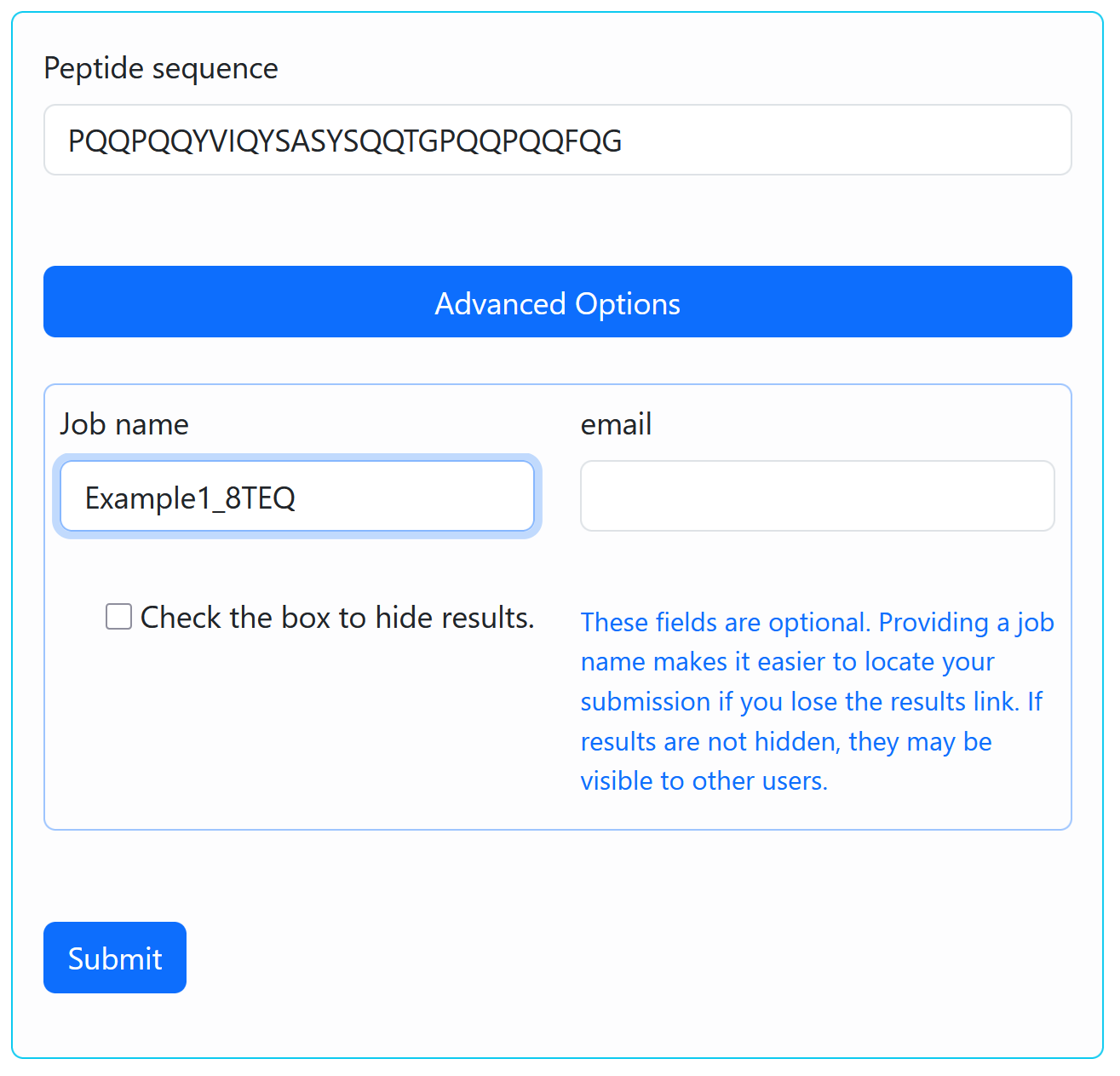
PQQPQQYVIQYSASYSQQTGPQQPQQFQG
The experimental structure of this amyloid fibril, determined by cryo-electron microscopy (cryo-EM), is available in the Protein Data Bank (PDB) under accession code 8TEQ.
The calculation is performed using the default simulation parameters. The user only needs to provide the peptide sequence and a job name.
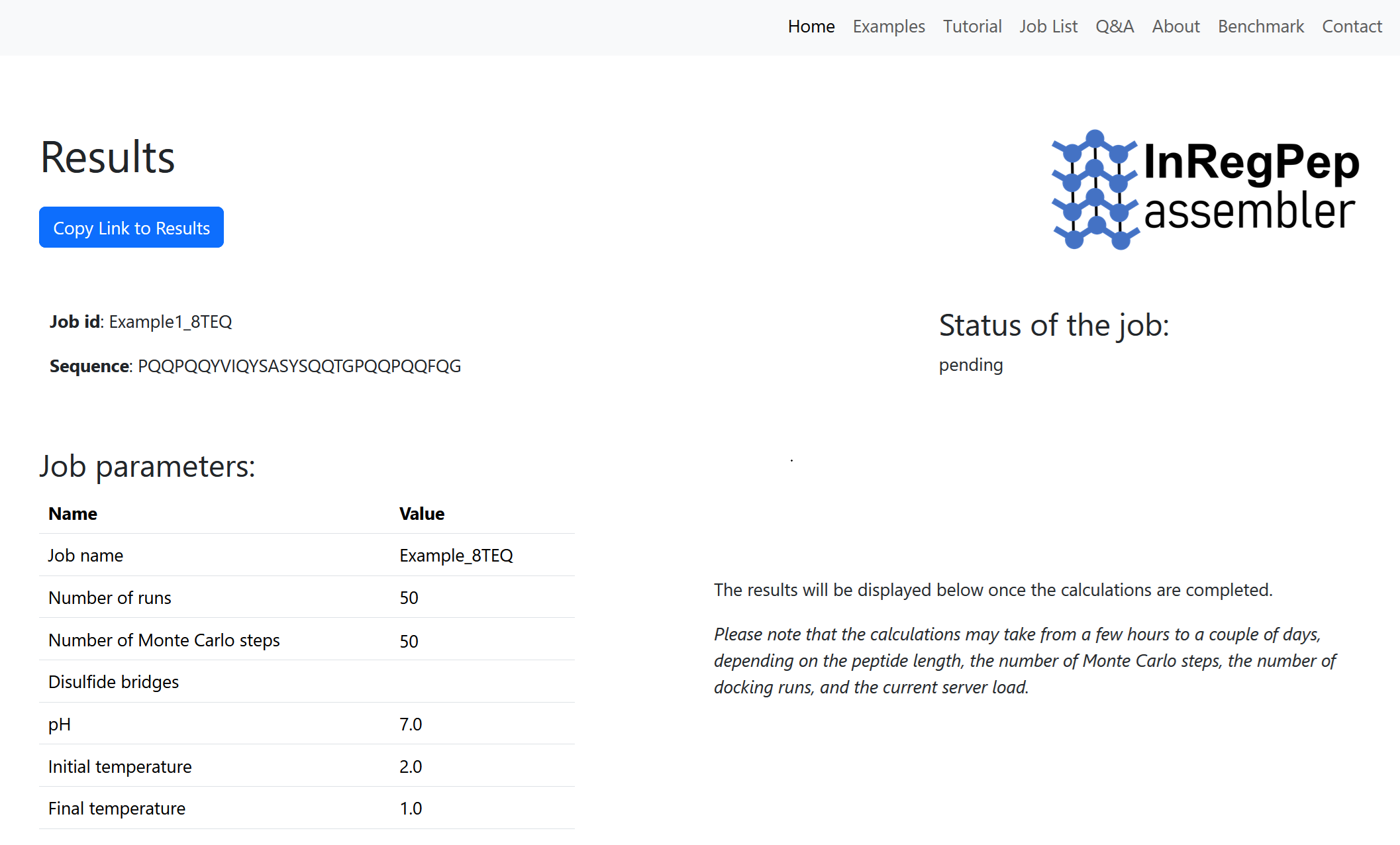
After submission, you will be redirected to the Results page, where the job parameters and current status are displayed. The results will appear once the job has finished. The calculation may take from a few hours to several days, depending on the size of the modeled system and the current cluster load. You should copy and save the link to the Results page for future access.
By default, all files are retained on the server for at least 14 days after job completion. If you provide an email address during submission, you will receive a link to the Results page, along with a notification once the job is completed.
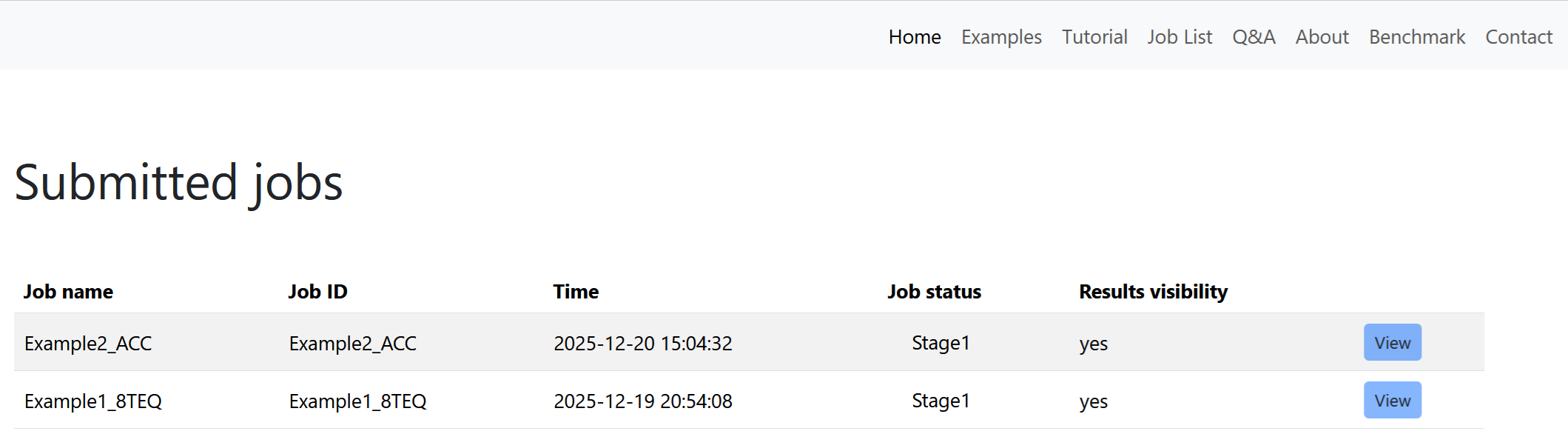
Depending on the current cluster load, your job may be placed in a queue. You can monitor its status at: bioinfo.imdik.pan.pl/inregpep/joblist
The form filled with the input data required to run the simulation for this example is available here.
After the job is completed, the output is generated on the Results page, which is accessible via the link created during submission. Below, the modeling results for the peptide PQQPQQYVIQYSASYSQQTGPQQPQQFQG are shown. For a detailed description of the output fields, see the Tutorial and Q&A sections.
This example demonstrates how to use the InRegPep to predict an aggregate and a short protofilament formed by a 13–amino-acid peptide:
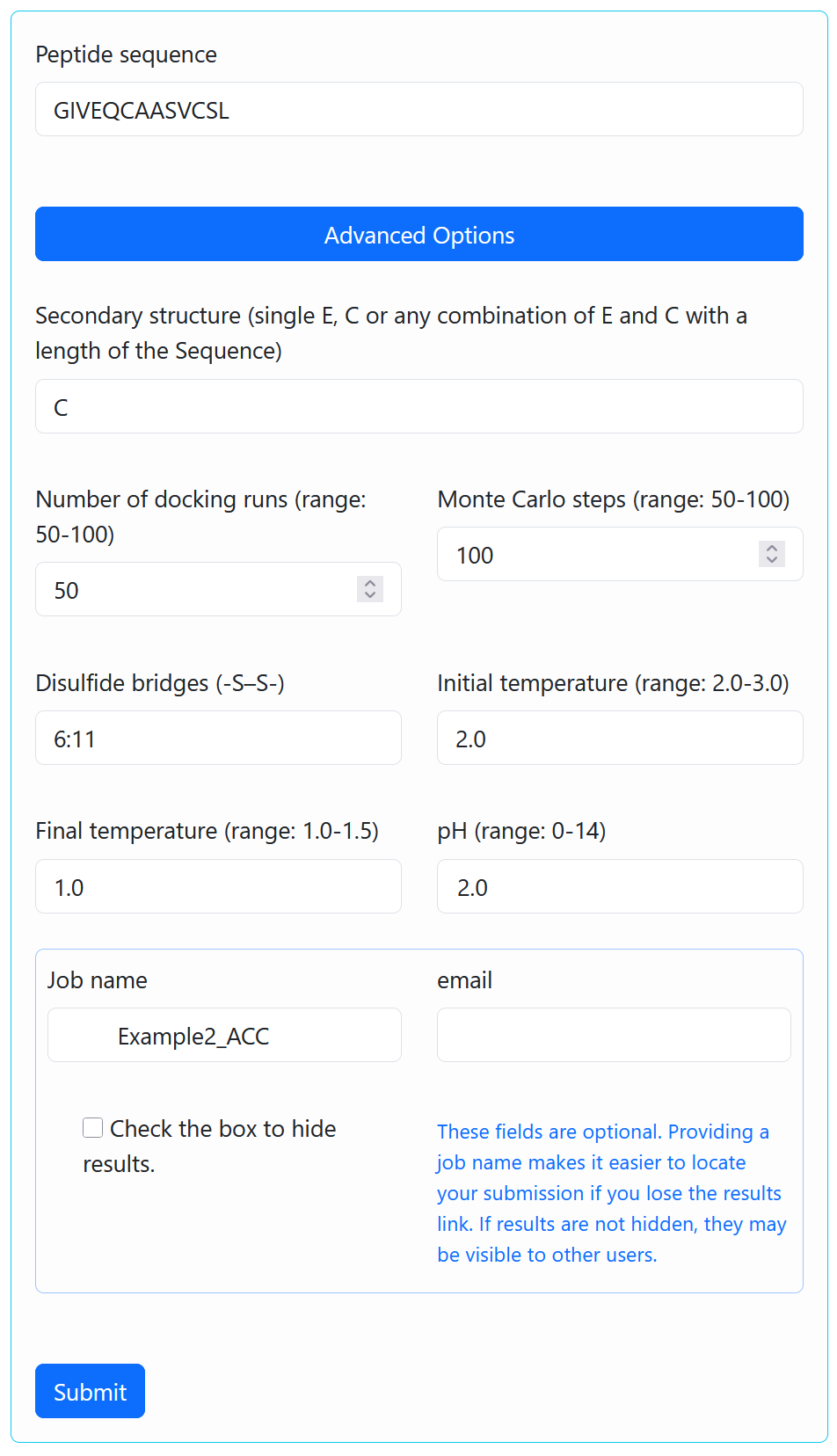
GIVEQCAASVCSL
This peptide is an amyloidogenic fragment of insulin chain A with alanine substitutions at positions 7 and 8. A structural model of the protofilament formed by this peptide has been published recently (https://doi.org/10.3390/ijms222212325). The calculation is performed in advanced mode, which allows selected simulation parameters to be modified.
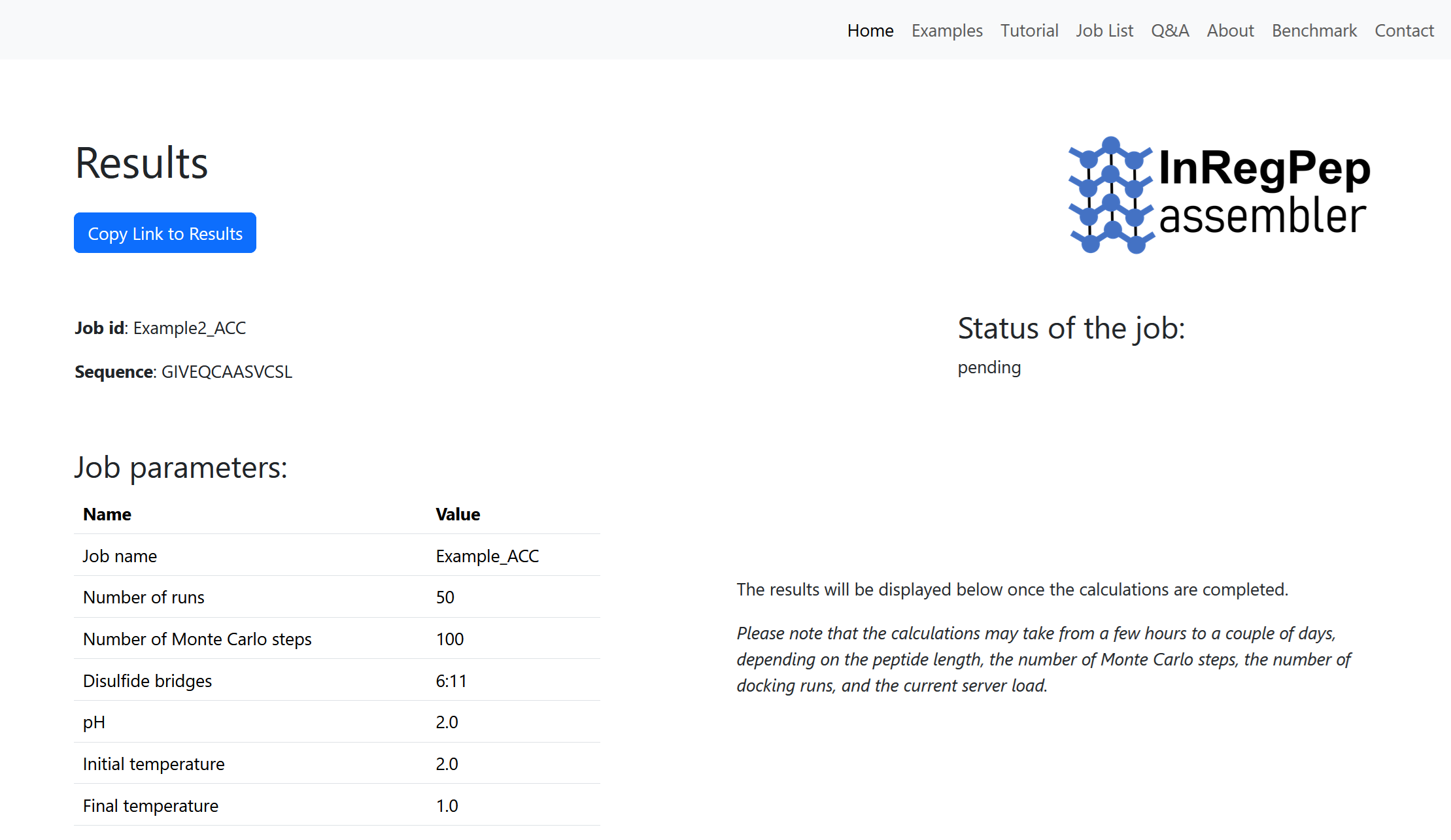
The modeled peptide contains a disulfide bond between the cysteine residues at positions 6 and 11. To enforce the corresponding distance restraint during the simulation, 6:11 is entered in the “Disulfide Bridges (-S–S-)” field. Because this amyloid forms at low pH, the pH value is set to 2. To ensure extensive sampling of the system’s conformational space, the number of Monte Carlo steps is set to 100. All remaining input parameters are left at their default values. “Example2_ACC” is used as the job name.
After submission, you will be redirected to the Results page, where the job parameters and current status are displayed. The results will appear once the job has finished. The calculation may take from a few hours to several days, depending on the size of the modeled system and the current cluster load. You should copy and save the link to the Results page for future access.
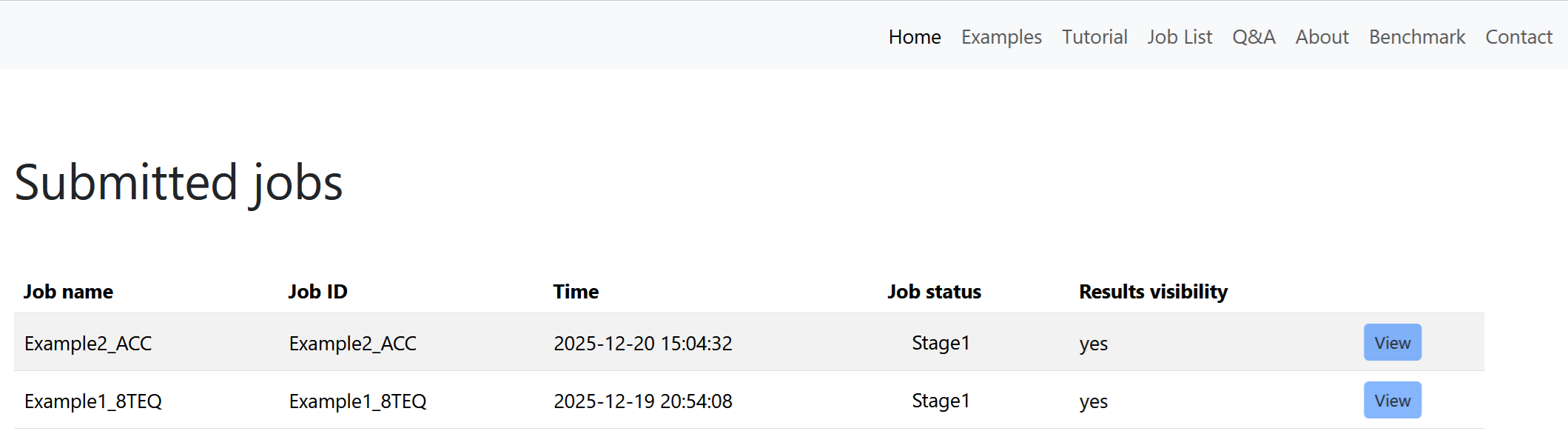
By default, all files are retained on the server for at least 14 days after job completion. If you provide an email address during submission, you will receive a link to the Results page, along with a notification once the job is complete.
Depending on the current cluster load, your job may be placed in a queue. You can monitor its status at: bioinfo.imdik.pan.pl/inregpep/joblist
The form filled with the input data required to run the simulation for this example is available here.
After the job is completed, the output is generated on the Results page, which is accessible via the link created during submission. Below, the modeling results for the peptide GIVEQCAASVCSL are shown. For a detailed description of the output fields, see the Tutorial and Q&A sections.